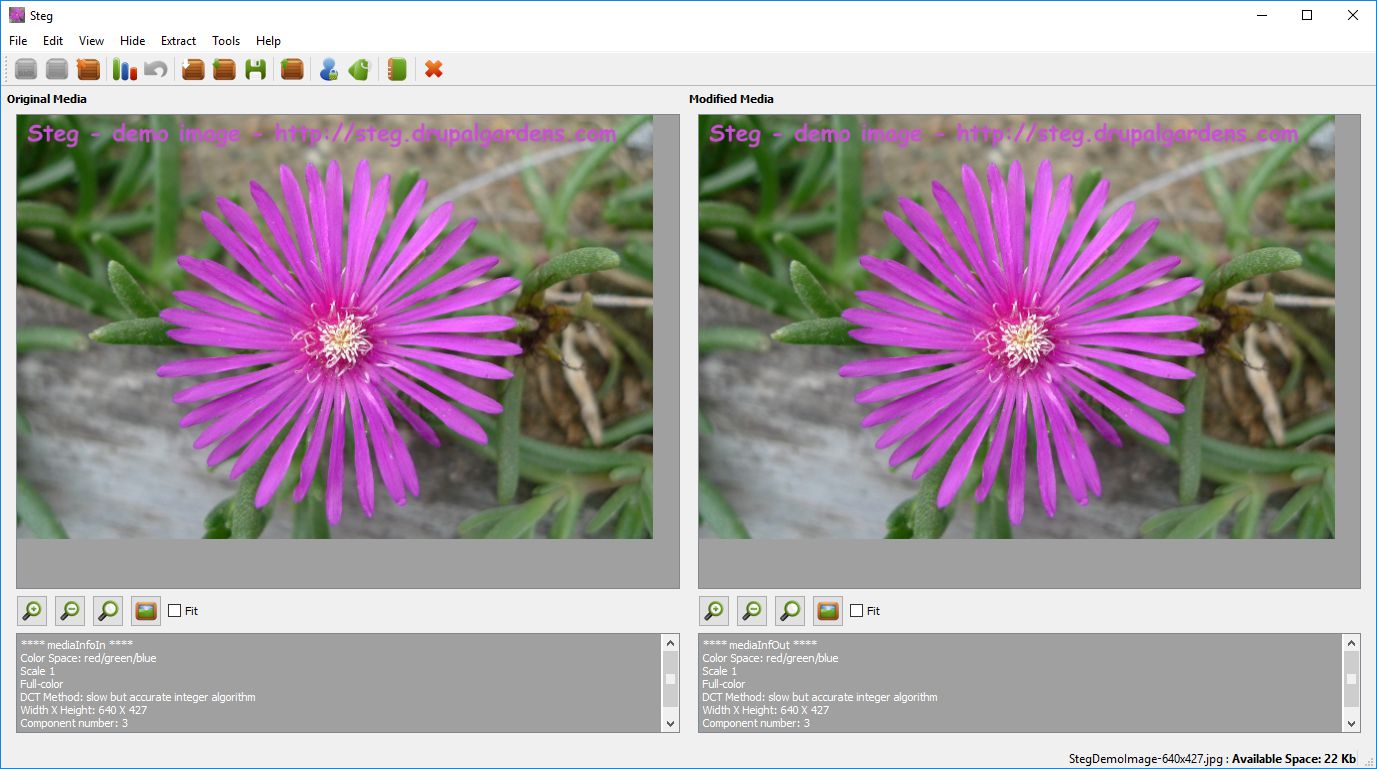
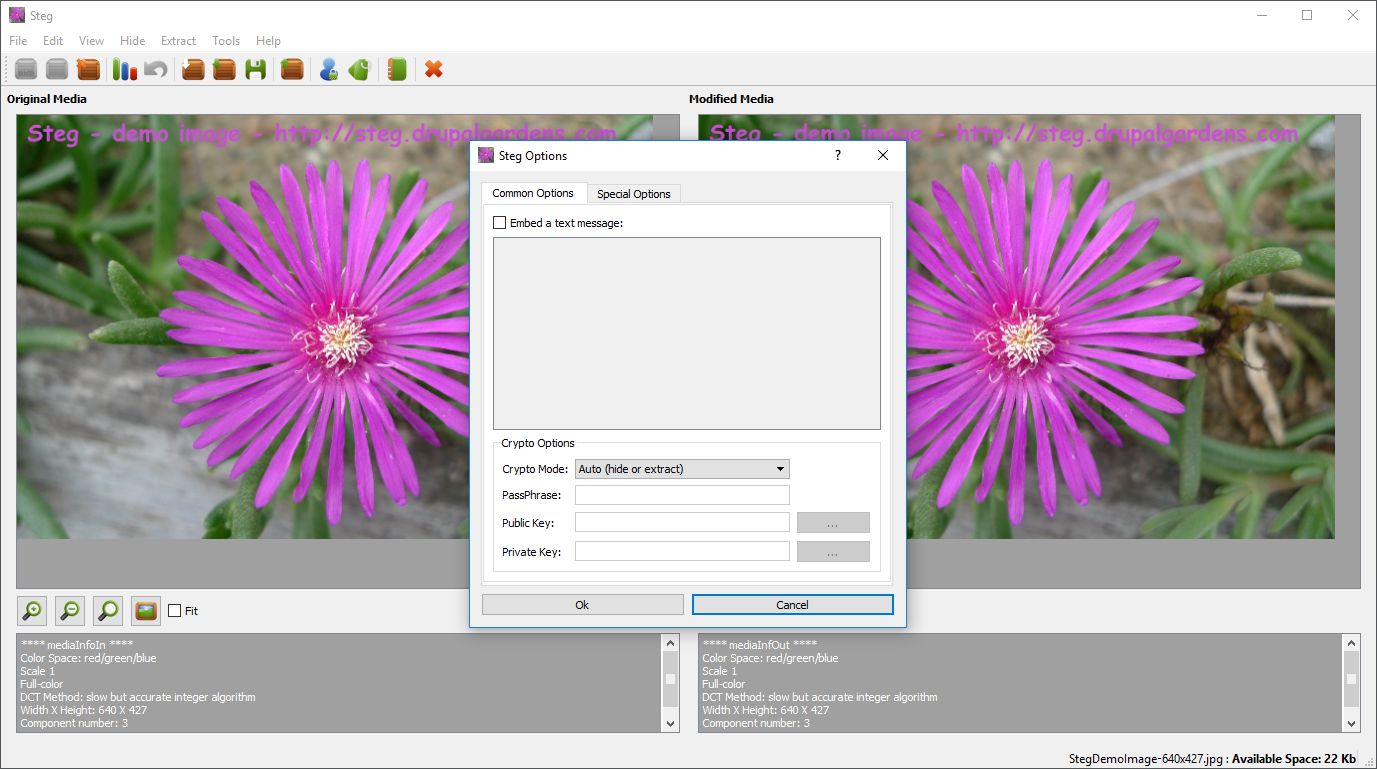
Do you have sensitive data that you want to hide without anyone even suspecting it is there? Well, you can do this by using this interesting piece of software called Steg. It uses a technique called steganography and also cryptography to hide information inside images.
Understanding steganography
But what is steganography? Steganography is a technique that can be described as an art and science of hiding information in a way that no one even suspects it is there. This way, information is not embedded as metadata or similar into an image file, but it is actually embedded inside the image itself.Verifying the modified image
When the information has been embedded into the image, Steg will show the modified version, so that you can check that there are no artifacts visible inside the image. Be ready to tweak the configuration parameters a little if that happens, but for the most part the default configuration will do just fine.Managing file sizes and resources
Be sure to use compressed or small images, as otherwise the data embedding process may require a lot of processing power and memory resources. If the data that you want to hide is larger than a small text file, also make sure to compress it into an archive, such as a .zip file or similar, or you won't be able to hide it in the image.A practical tool for safe transfers
Steg can be used as a tool to safely store data so that no one even suspects it is there. This could be useful if you possess sensitive data that you want to send over email, and in similar cases. Also, be sure to test the extraction process after the data has been embedded to make sure it can be fully retrieved as well.